Why Oracle redesigned GoldenGate administration for the modern enterprise.
One of the things I enjoy most about talking with customers is hearing how different teams look at the exact same feature.
Mention Secure Deployment during a meeting and you’ll get completely different reactions.
The DBA starts thinking about certificates. The security team immediately asks about TLS versions and encryption. The network engineer wants to know which ports need to be opened. The architect starts talking about Zero Trust. Everyone is looking at the same feature, but through a different lens.
That’s one of the reasons I wanted to write this article.
Before we talk about certificates, wallets, or HTTPS, I think it’s worth asking a much simpler question:
Why does Secure Deployment exist in the first place?
Looking Back
If you’ve been working with Oracle GoldenGate for a while, you probably remember the Classic Architecture.
Life was… simpler, very simple in my opinion, even though there some folks out there that thinks GoldenGate was dificult or complex.
You had:
- Manager
- Extract, Pump
- Replicat
- GGSCI
- Maybe a report file or two. Everything happened from the command line
- If you wanted to stop an Extract, you opened GGSCI
- If you wanted to check lag, you typed a command
- If you wanted to modify a parameter, you edited a text file
- Most deployments never exposed GoldenGate outside the server
- Security wasn’t really GoldenGate’s responsibility
- It was largely inherited from the operating system
- The OS authenticated users
- SSH secured remote access
- File permissions protected parameter files
- GoldenGate focused on one thing: moving data
Then Everything Changed
The introduction of the Microservices Architecture completely changed how administrators interact with GoldenGate.
Instead of a command-line utility, we suddenly had:
- A modern Web User Interface
- REST APIs
- Administration Service
- Distribution Service
- Receiver Service
- Performance Metrics Service
- Browser sessions
- Automation platforms
GoldenGate stopped being “just a replication engine.”
It became a modern web application.
And modern web applications introduce a completely different set of security challenges.
The moment you expose a browser interface, publish REST APIs, or allow remote administration, you need to answer questions that simply didn’t exist before.
- How do users authenticate?
- How do we encrypt communication?
- How do clients know they’re talking to the real deployment?
- How do we control who can perform administrative actions?
That’s exactly the problem Secure Deployments were designed to solve.
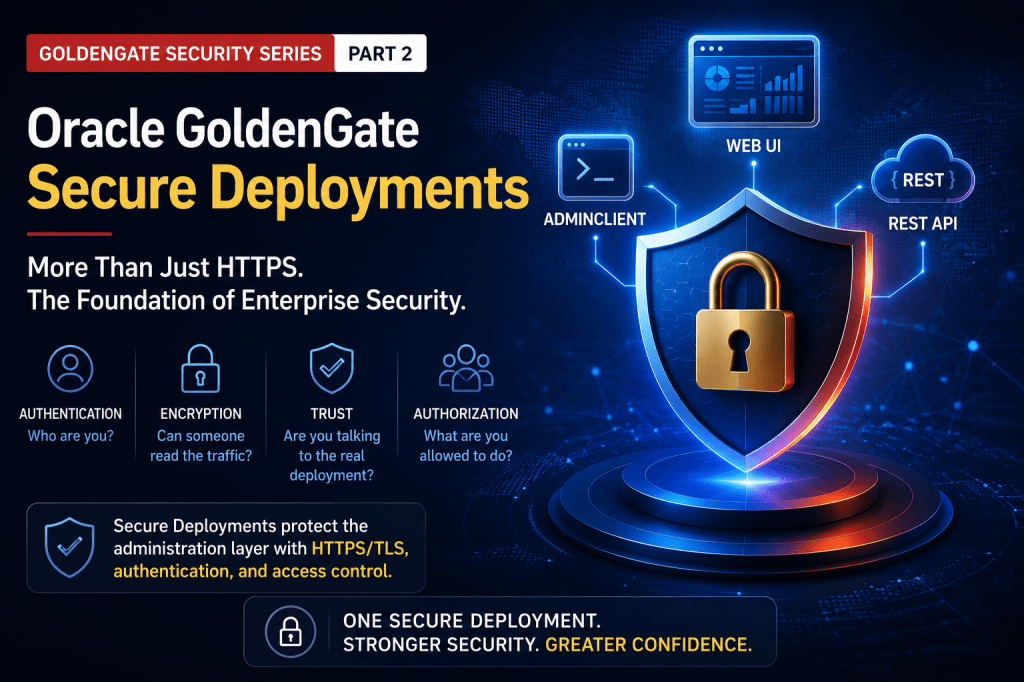
The Way I Explain Secure Deployments
Whenever someone asks me what a Secure Deployment is, I try not to start with HTTPS.
Instead, I think about four simple questions.
If we can answer these four questions, everything else starts making sense.
1. Who Are You?
Before anything else happens, GoldenGate needs to know who is trying to connect.
Whether it’s someone logging into the Web UI, using AdminClient, or calling the REST APIs, authentication always comes first.
Without identity, nothing else matters.
2. Can Someone Read the Traffic?
Once a connection has been established, everything traveling across the network should be encrypted.
This is where TLS comes in.
- Passwords.
- Session cookies.
- REST requests.
- Configuration changes.
- Monitoring information.
Everything exchanged between the client and GoldenGate is encrypted while it’s in transit.
3. How Do I Know I’m Talking to the Real Deployment?
Encryption alone isn’t enough.
Imagine opening your browser and connecting to what looks like your GoldenGate deployment.
How do you know it’s actually your deployment?
That’s where certificates come into play.
Certificates establish trust before any sensitive information is exchanged.
It’s one of those technologies we rely on every day without thinking much about it.
Every secure website you visit uses the same concept.
GoldenGate simply applies that same trust model to administration.
4. What Are You Allowed to Do?
Authentication tells GoldenGate who you are.
Authorization determines what you’re allowed to do. Not every administrator should have the same level of access. Some users only need to monitor. Others can manage replication processes. Others may be responsible for deployment administration.
Role-Based Access Control (RBAC) allows organizations to apply the principle of least privilege while integrating with enterprise identity providers.
What Secure Deployment Actually Protects
One thing I always emphasize is that Secure Deployment protects the administration plane.
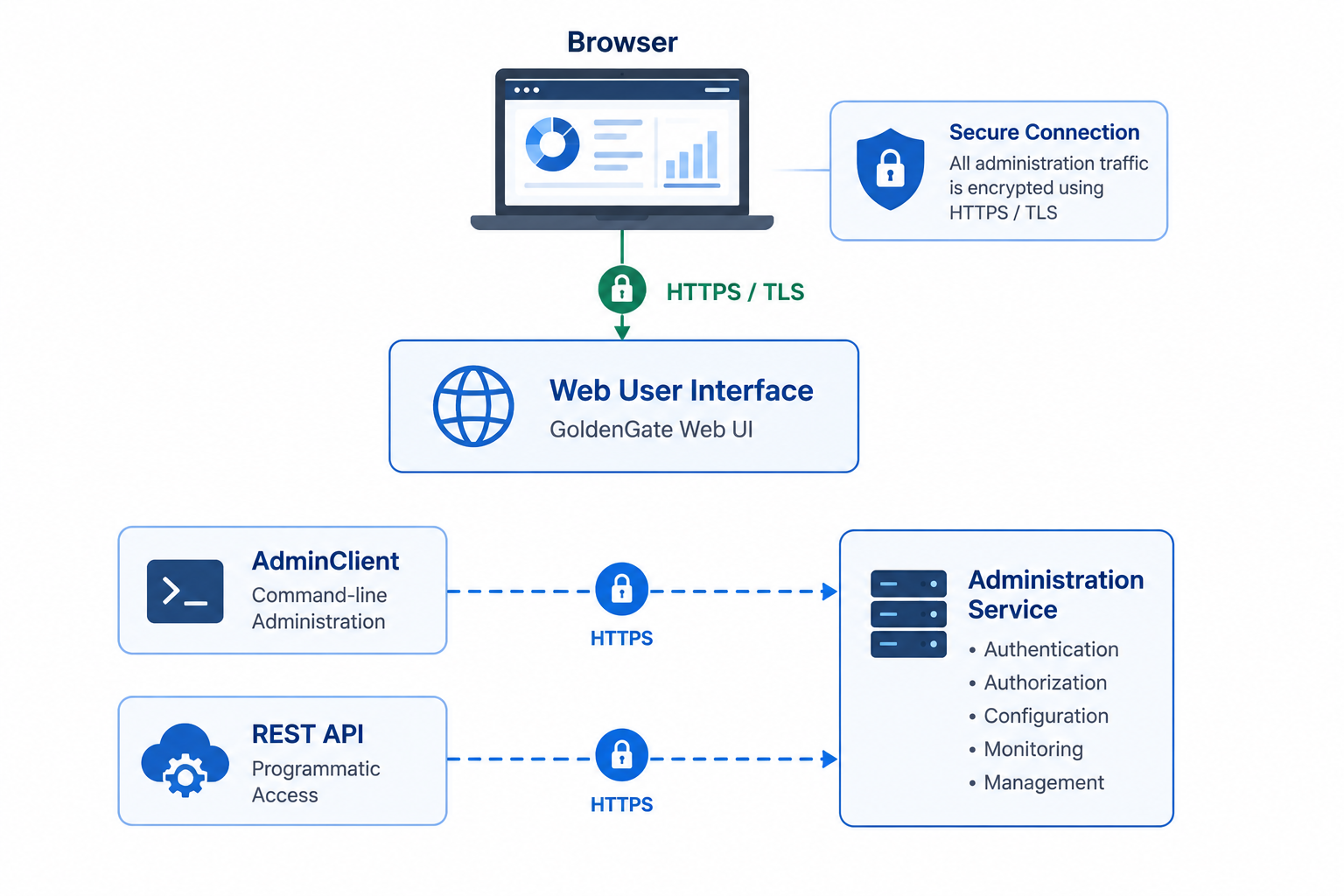
Everything related to administration travels through encrypted and authenticated channels.
That’s exactly what we want.
But Here’s the Important Part…
This is probably the biggest misconception I encounter.
A Secure Deployment is not intended to secure every communication path inside GoldenGate.
It secures the administration layer. Nothing more. Nothing less.
| Secure Deployment DOES | Secure Deployment DOES NOT |
|---|---|
| Encrypt the Web UI | Encrypt Oracle Net connections |
| Protect REST APIs | Encrypt trail files |
| Secure AdminClient | Secure Distribution Paths |
| Authenticate administrators | Replace firewalls |
| Protect management traffic | Replace enterprise PKI |
| Validate server identity | Manage encryption keys |
I think this distinction is incredibly important because it helps set the right expectations.
Secure Deployment is one layer of the security architecture, not the entire architecture.
Why I Like This Design
One thing I’ve always appreciated about GoldenGate is that it doesn’t try to solve every security challenge with one giant feature.
Different communication paths deserve different security models.
- Administration traffic.
- Replication traffic.
- Database connectivity.
- Identity management.
- Data at rest.
Each one has different requirements. Keeping these concerns independent gives organizations tremendous flexibility.
Instead of forcing customers into a one-size-fits-all security model, GoldenGate allows each organization to integrate with its existing security standards.
Personally, I think that’s exactly how enterprise software should be designed.
One Last Thought
If there’s one recommendation I’d give anyone deploying a new GoldenGate environment, it’s this:
Start with a Secure Deployment.
Even if you’re only building a proof of concept today, build it as if it were going into production tomorrow.
I’ve seen customers spend days, sometimes weeks, retrofitting certificates, updating automation, and reconfiguring clients because security wasn’t considered at the beginning of the project.
It’s almost always easier to build with security in mind than it is to add security later.
Alex’s Take
One of the things I enjoy most about being a Product Manager is seeing how different customers use the same technology in completely different ways.
Some run GoldenGate entirely on-premises. Others span multiple cloud providers. Some replicate across continents. Every environment is different. Yet the very first recommendation I make is almost always the same.
Create a Secure Deployment from day one. Not because it solves every security challenge. But because it’s the foundation everything else builds upon.
Coming Up Next
In Part 3, we’ll move beyond the administration layer and explore how Oracle GoldenGate secures replication traffic between deployments using WSS (Secure WebSockets) and Mutual TLS (mTLS).
We’ll answer questions such as:
- Why use WSS instead of standard TCP?
- What exactly is Mutual TLS?
- How do two GoldenGate deployments establish trust?
- When should you require mTLS in production?
I hope you’ll join me for the next article in the series.


Leave a Reply